Zili
Entertainment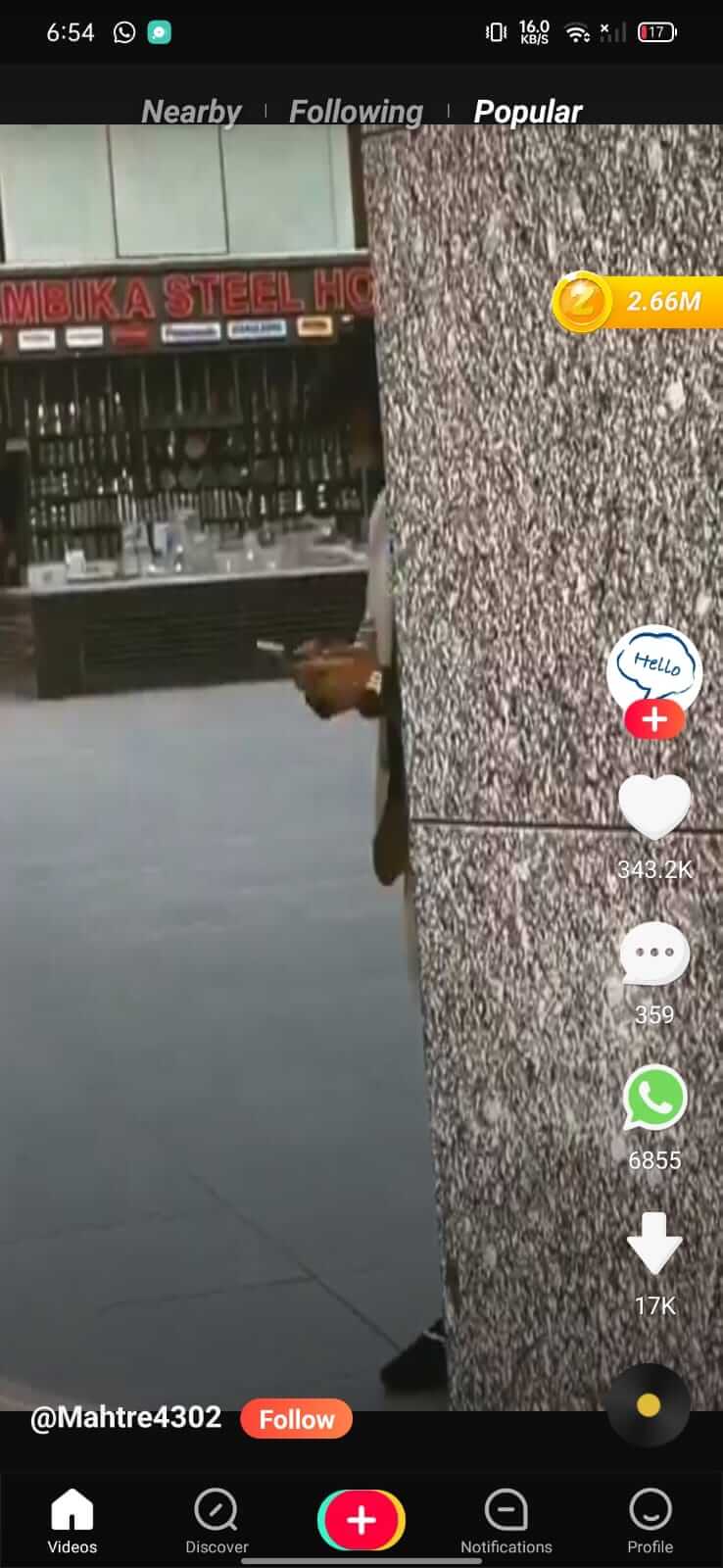
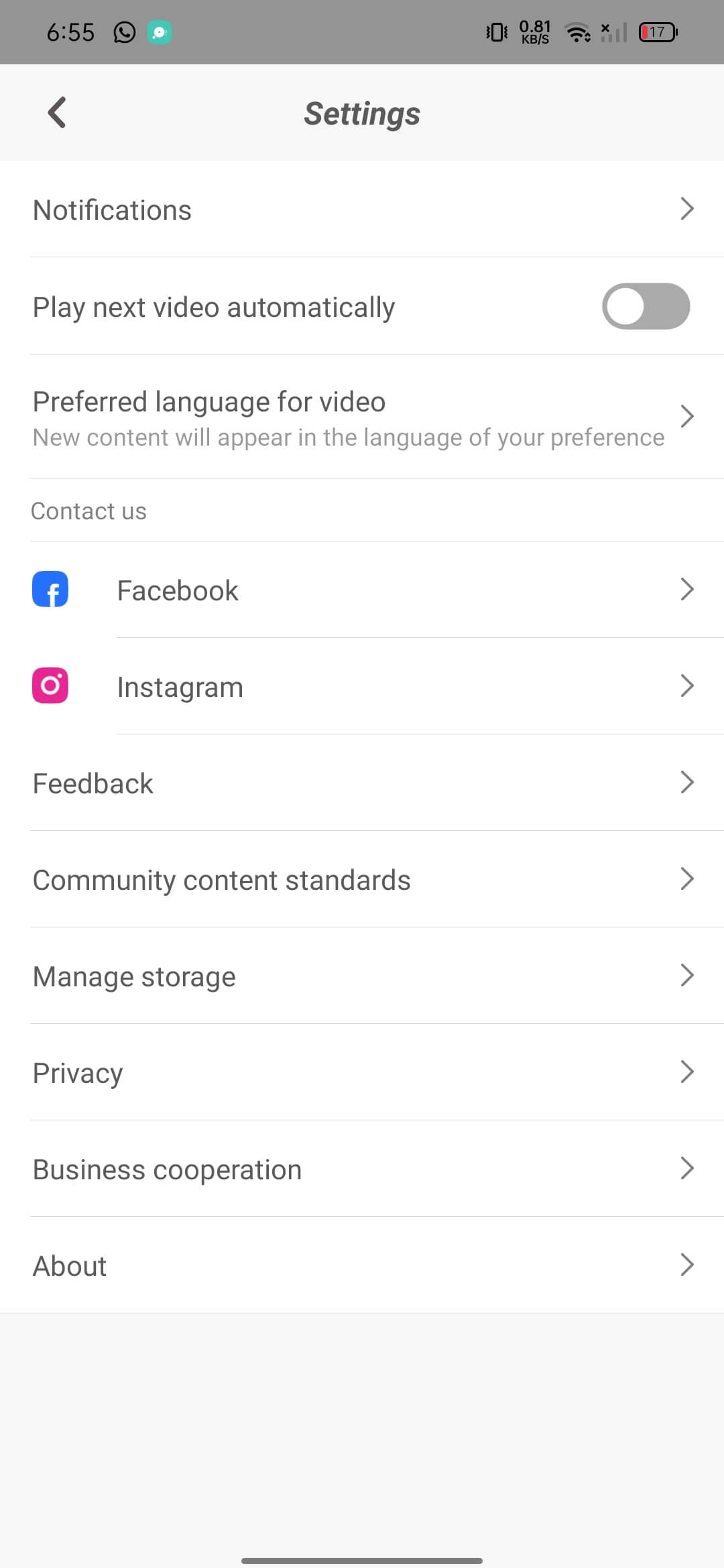
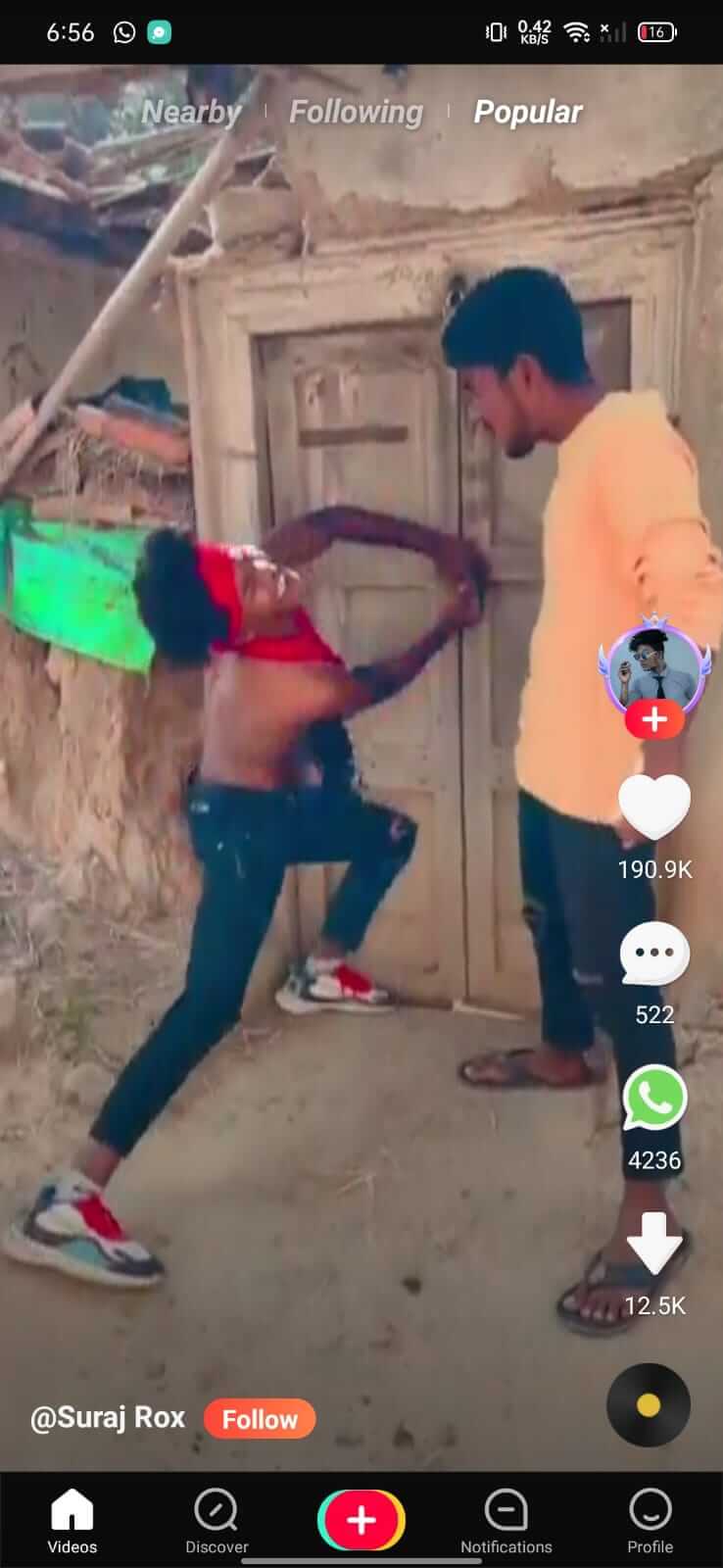
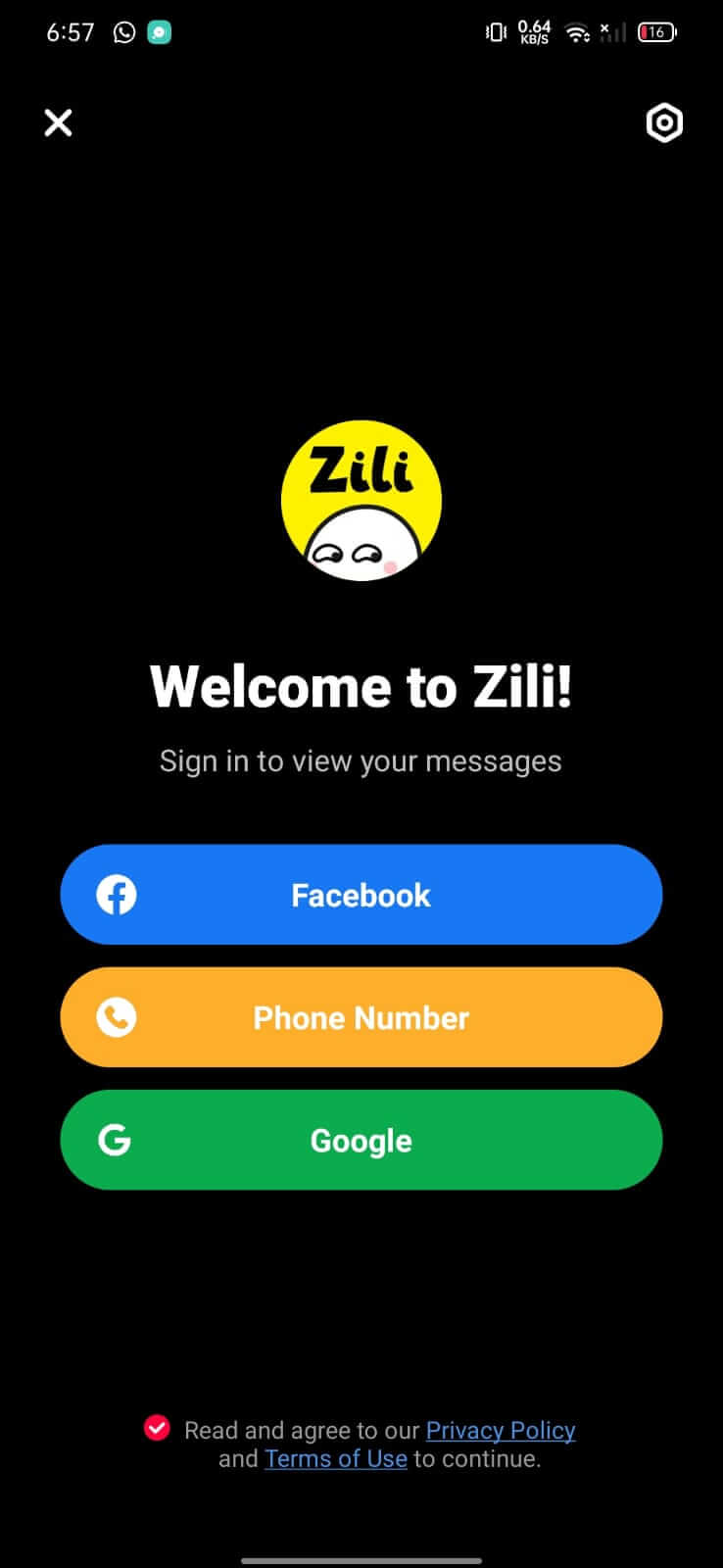

Zili is a short‑video platform that lets you browse a stream of user‑generated clips, like, comment, and upload your own creations. Its layout and core functions resemble popular services such as TikTok, making it familiar for anyone used to short‑form video feeds.
This page provides the latest APK details, installation steps, and practical tips for using Zili on Android devices.
Quick Information
| App/Game Name | Zili |
| Latest Version | 2.38.17.2236 |
| Developer | Not listed |
| Category | Apps / Entertainment |
| App Size | 43.61 MB |
| Package Name | com.funnypuri.client |
| Last Updated | 1 October 2026 |
What Is Zili?
Zili is designed for entertainment seekers who want to watch quick videos or share their moments with a community. The app offers a personalized feed, basic editing tools, and the ability to follow creators. Because the developer is not publicly listed, the official source of updates is unclear, so users typically rely on third‑party APK sites for the most recent build.
Compatibility
| Android Version | ✓ Verified — Android 4.4 and later |
| Architecture (ARM64 / 32-bit) | ✓ Verified — Supports common device architectures |
| Internet Connection | ✓ Verified — May be required for ads, updates, or login |
| Storage Needed | Not Verified |
| OBB/Data Files | Not Verified |
| Root Required | Not Verified |
How to Install
- Enable Install unknown apps for the browser or file manager you’ll use (Settings → Apps → Special app access → Install unknown apps).
- Download the Zili APK file to your device.
- Open the downloaded file and tap Install. Wait for the process to finish.
- Once installed, launch Zili from the app drawer and sign in or create a new account.
Troubleshooting
- App not installed: Verify that the APK matches your device’s architecture (ARM vs. x86) and that you have enough storage space.
- Crashes on startup: Clear app data (Settings → Apps → Zili → Storage → Clear data) and try reinstalling.
- Login issues: Ensure you have a stable internet connection; some regions may block the service.
- Video upload fails: Check that the file format is supported (MP4, MOV) and that the app has permission to access storage.
Safety & Security
Because Zili is distributed outside official app stores, it’s important to download the APK from a reputable source. Review the permissions the app requests during installation—if it asks for unrelated access (e.g., contacts, phone calls), consider it a red flag. Avoid entering sensitive personal information unless you’re sure the build is trustworthy, and keep an eye on future updates that may alter functionality.
How Zili Compares
| Feature | Zili | TikTok | Instagram Reels | YouTube Shorts |
|---|---|---|---|---|
| Price / Free model | Free (ad‑supported) | Free (ad‑supported) | Free (ad‑supported) | Free (ad‑supported) |
| Platform availability | Android only (APK) | Android & iOS | Android & iOS | Android & iOS |
| Standout feature | Simple, lightweight client (43 MB) | Massive creator ecosystem | Integrated with Instagram feed | Leverages YouTube’s recommendation engine |
| Best for | Users who want a low‑storage short‑video app | Broad audience, viral trends | Instagram users wanting reels | YouTube viewers looking for quick clips |
Alternatives
If Zili doesn’t meet your needs, consider these well‑known short‑video services:
- TikTok – The market leader with a massive library of trends and powerful editing tools.
- Instagram Reels – Integrated directly into Instagram, ideal for users already on that platform.
- YouTube Shorts – Leverages YouTube’s recommendation algorithm and offers easy cross‑posting.
- Triller – Focuses on music‑driven videos and AI‑enhanced editing.
- Dubsmash – Emphasizes lip‑sync and meme‑style content.
Final Verdict
Zili provides a lightweight alternative for Android users who want a TikTok‑style feed without the overhead of larger apps. It’s free and easy to install, but the lack of an official source means you should verify the APK’s integrity before use. If you need a more feature‑rich experience or official support, the mainstream competitors listed above may be a better fit.
Frequently Asked Questions
Only install Zili from a trusted source, review the permissions it asks for, and avoid entering personal data if you’re unsure about the build.
No, Zili works on standard Android devices without root.
Zili runs on Android 5.0 (Lollipop) and newer, though newer versions may offer better performance.
Download the latest APK from a reliable site and reinstall it; the installer will replace the older version while keeping your data.
This can happen if the APK is corrupted, not compatible with your device’s CPU architecture, or if you have insufficient storage space.
Browsing and uploading videos require an internet connection; offline use is limited to viewing previously cached content.
The app is free and ad‑supported; there are no known in‑app purchase options.
The developer is not listed, and Zili is not available on major app stores, so the APK you download is the primary distribution method.